
Setup & upgrades
Choose the right system for your invoicing, stock, users and reporting. Set up the chart of accounts, opening balances and bank-processing workflow.
Tech-savvy accounting and systems support.
Tokai, Cape Town · Support across South Africa


SmartBank helps accountants, bookkeepers and businesses convert PDF bank statements into CSV files, reducing manual capture and speeding up bookkeeping catch-up.
From statement to books
Turn supported bank-issued PDFs into CSV transactions.
Bring the data into your accounting package.
Match the bank balances and check the accounts.
Use original, supported bank PDFs. Import options depend on your accounting package.
01 / Systems & support
Get software that fits your business, with the setup, training and support to keep it working.

Choose the right system for your invoicing, stock, users and reporting. Set up the chart of accounts, opening balances and bank-processing workflow.
Move from an older package or spreadsheets with a clear cut-off. Prepare your records and reconcile balances before the new system goes live.
Practical help with invoices, bank imports, reconciliations and month-end reports, plus troubleshooting when something needs fixing.
02 / Bookkeeping & catch-up
Catch up outstanding periods, keep everyday processing on track, and get reconciled numbers you can use.

Organise missing periods, convert statement data, allocate transactions and reconcile the bank and control accounts.
Agree a routine for sales, purchases and bank transactions, with a clear split of responsibilities between your team and ours.
Prepare a usable trial balance, management accounts and information for your year-end work.
Bookkeeping and accounting engagements are scoped through Smarter Accounting.
03 / Tax assistance
Outstanding returns or a SARS query? Let’s identify what needs attention and agree a practical way forward.

Help with personal, sole proprietor, company and provisional tax, based on your records and the work required.
Assistance with VAT, PAYE and payroll-related requirements, with the periods and responsibilities agreed before work starts.
Review the position, organise supporting information and work through the outstanding matters in a sensible order.
Wider tax and SARS work is scoped through Smarter Accounting.
Accounting software
Cloud or desktop, we help you select, set up and use the right accounting software.


Desktop accounting
Reliable desktop accounting for stock, invoicing and everyday business.
Find out more
Legacy support
A simpler desktop package. We still support existing users.
Find out more
Cloud accounting
Easy online accounting, with setup and support when you need it.
Find out more

Cloud accounting
Cloud accounting that connects your business, bank feeds and team.
Find out more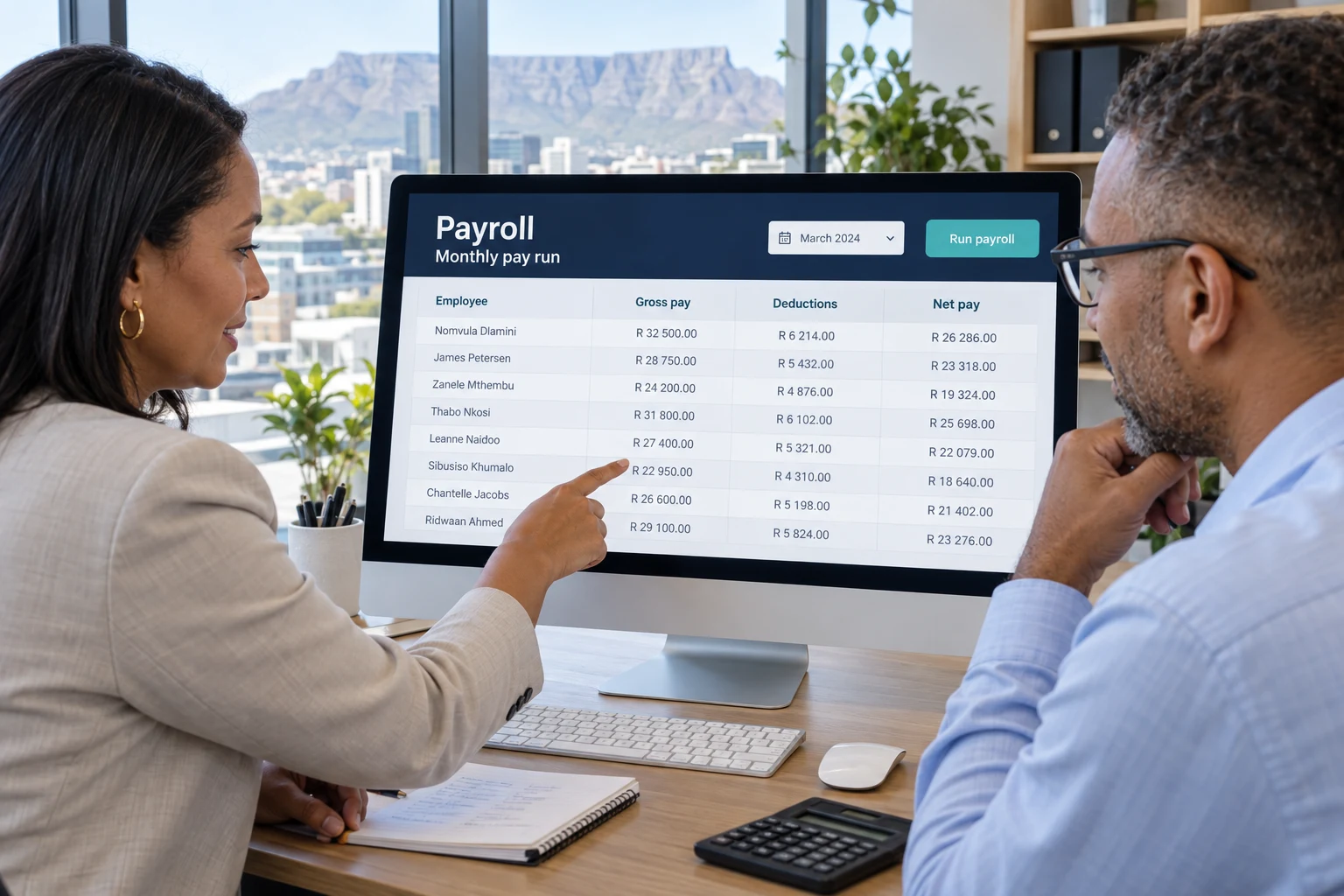
Payroll
Choose Sage Payroll or SimplePay, with practical setup, training and support.
Find out more about payrollNeed processing, training or compliance help?
Explore payroll support, EMP201 & EMP501 assistance ↗

The experience behind the support
David founded Pastel Software Cape as the sole Western Cape distributor of Pastel Software. That combination of accounting knowledge, implementation and client support still shapes Total Accounting Solutions today.
From established desktop systems to cloud platforms and AI-assisted conversion, the aim is practical: a system that works and numbers the business can use.
Read client testimonials“David has given me excellent service in servicing my Pastel system over the years! I highly recommend him, his Pastel and Accounting skills”
Robert Thorp · Thorp Motor Group
A few useful answers
Yes. Although Pastel Xpress is a legacy product, David continues to help existing users with setup issues, adjustments, file problems, training and sensible upgrade or migration options.
Not automatically. We first assess whether the current Sage, Pastel, Xero or other system can be cleaned up, configured correctly and used more efficiently before recommending a migration.
Yes, where the source documents are suitable. We can structure PDF, spreadsheet and bank-export data, then use accounting review to allocate transactions, reconcile balances and prepare import-ready or trial-balance information.
No. Total Accounting Solutions is based in Tokai, Cape Town and can provide online accounting software support, data conversion and training to clients across South Africa.
Total Accounting Solutions focuses on software products, accounting tools, setup, migration and support. Smarter Accounting carries the work forward into bookkeeping, tax, SARS, reporting, planning and business advisory services.
David founded Pastel Software Cape in 1990 and has 36 years of experience combining accounting knowledge with accounting software implementation, training, troubleshooting and client support.
Yes. We help with system selection, opening balances, bank rules, reconciliations, user training and reporting. Dedicated Xero and Sage Accounting pages explain the support available.
Yes. Discuss your requirements with David Hartley. Accounting, tax and advisory engagements are scoped through Smarter Accounting, while Total Accounting Solutions handles software setup, migration and support.
Yes. SmartBank automatically converts supported original bank PDFs to CSV during import. Export the transactions straight away, or allocate and reconcile first. It is useful for historical catch-up work and routine cashbooks. Visit the SmartBank page for the workflow, demonstration and 15-day trial.
Our sister practice
Total Accounting Solutions focuses on software, systems, training and support. Smarter Accounting carries the work forward into bookkeeping, VAT, tax, SARS assistance, financial statements, management reporting and advice.
Let’s talk
Start with the problem. Tell us your current software, what’s outstanding and any deadline. We’ll help you find a practical next step.
Call David — 082 061 2300Based in Tokai, Cape Town.
Online support across South Africa.
 SimplePay ↗